

Are you also curious to know how to see who rewatched your snapchat story? With Snapchat Plus, you can satisfy your curiosity! This article will guide you through the simple steps to uncover this intriguing insight. Whether you’re seeking to boost your engagement or just curious about your audience, keep reading to unlock the secrets of your Snapchat story’s allure.
You can see who rewatched your Snapchat story by subscribing to Snapchat Plus. Post a story, then check for an eye emoji in your insights. The number beside it shows how many friends rewatched it.
Take your Snapchat experience to the next level with Snapchat Plus and unlock exclusive features like the Rewatch Indicator. These features will help you engage better with your audience and improve your Snapchat game. Keep reading to learn more about how to use these features!
See Also: Why Does Snapchat Keeps Logging Me Out [Fixed]
Contents
How to Check Your Story Rewatch Count (Step-by-step guide)
Discover the Secret to Monitoring Your Story’s Rewatch Count! Keep reading to unveil the ultimate tips.
Subscribe to Snapchat Plus
To access the rewatch count feature, you must be a Snapchat Plus subscriber. This subscription offers exclusive features, including seeing who rewatched your stories.
 You can easily tell if someone has a snapchat plus subscription. The subscription fee is typically around $3.99 monthly, but prices may vary depending on your region.
Post a Snapchat Story
After subscribing, post a story as you normally would. Share moments from your day, fun filters, or anything that interests you.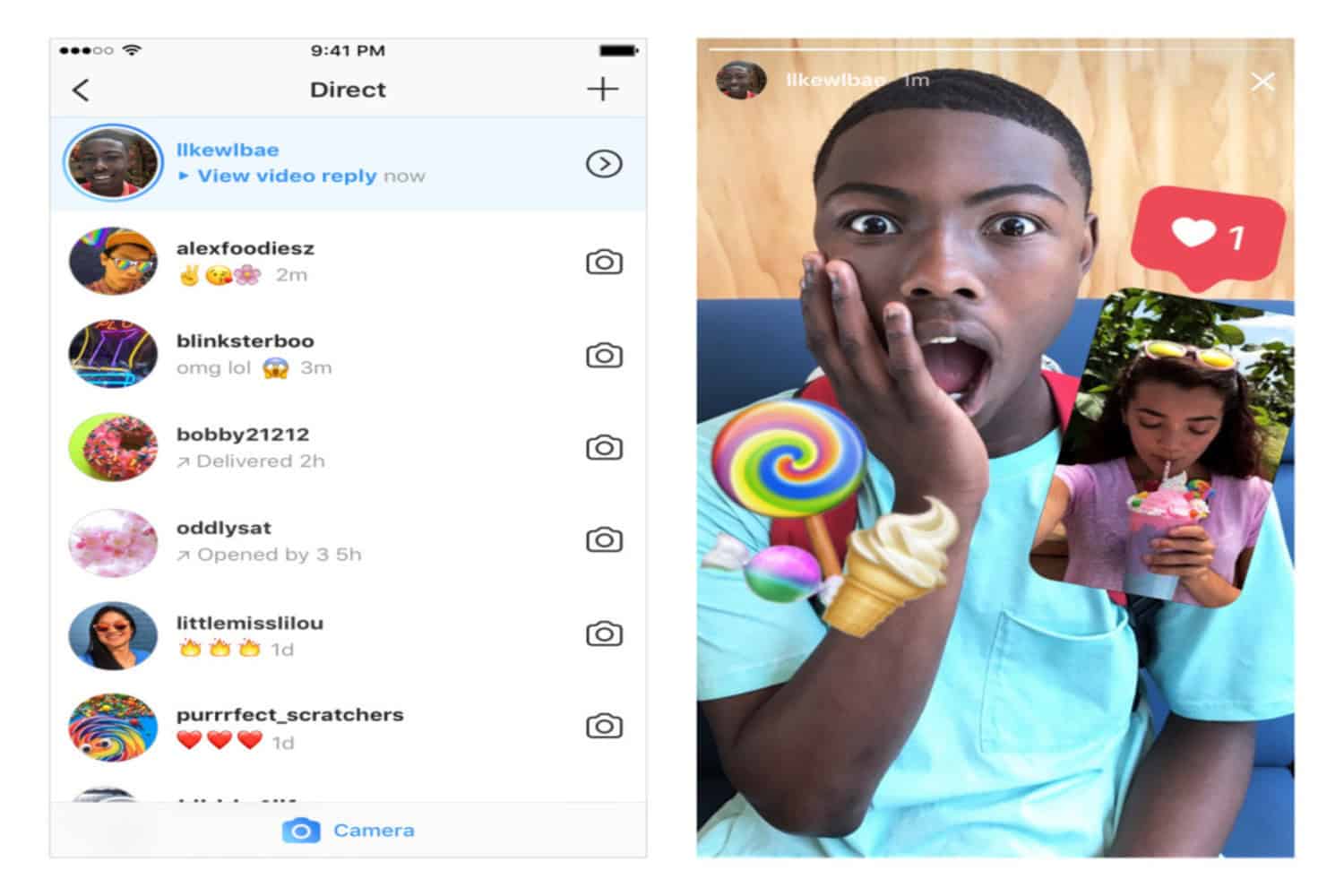 Remember, the more engaging your content, the more likely it will be rewatched.
Check Your Story Insights
Please wait a few hours after posting your story to give your friends time to view and rewatch it. 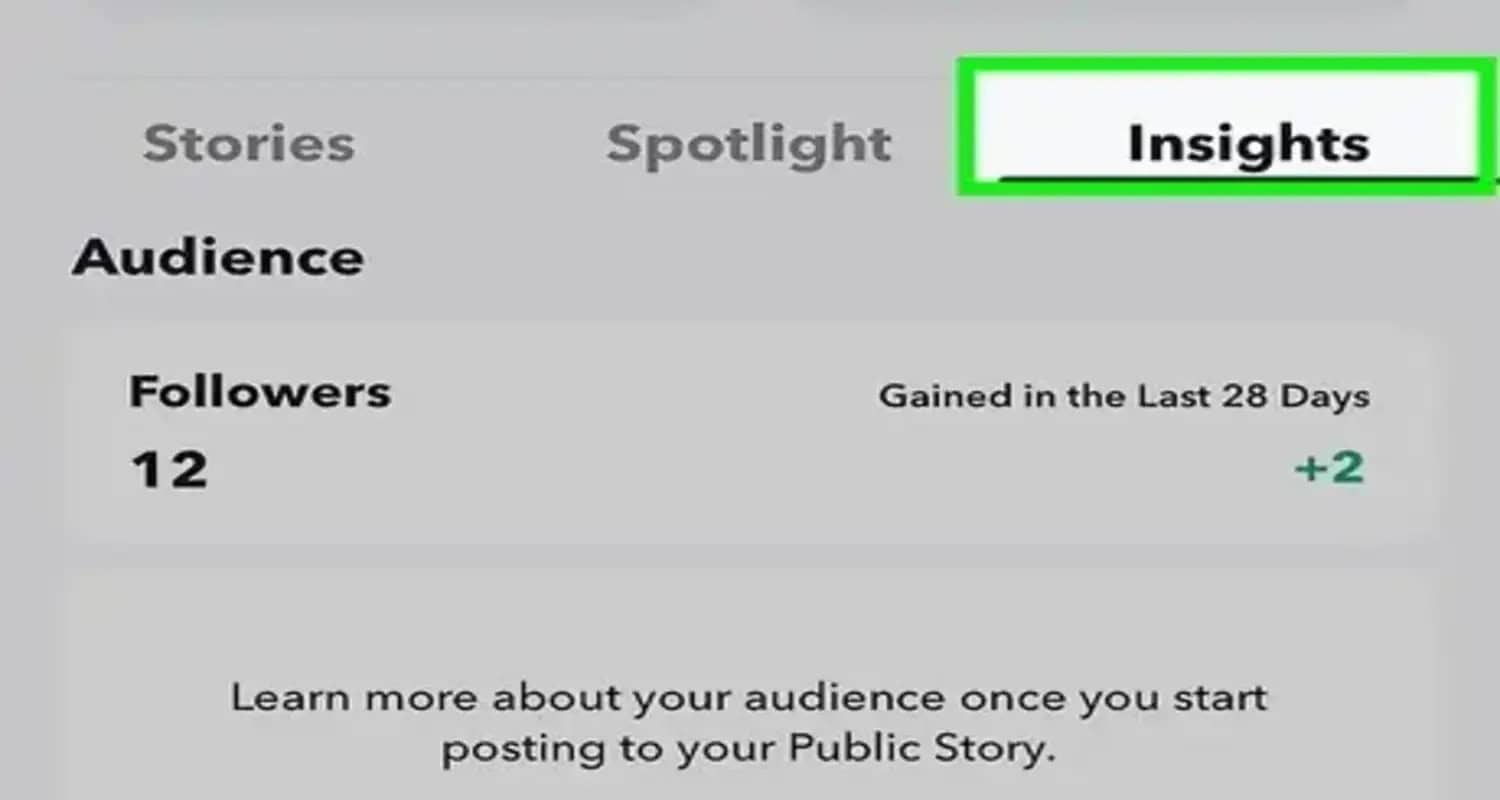 Then, go to your story and swipe up to access your insights. Here, you’ll find various metrics, including views and screenshots.
Look for the Eye Emoji
In your story insights, look for an eye emoji.  This emoji indicates the rewatch count. The number next to the eye emoji shows how many friends have rewatched your story. For example, if the number is 2, two friends have rewatched your story.
Understanding the Metrics
It’s important to note that the rewatch count only counts one rewatch per person. It does not represent the total number of times your story has been rewatched. So, if someone rewatches your story multiple times, it will still only count as one rewatch.
Engage with Your Audience
Use the rewatch count to gauge the engagement level of your stories.  If you notice a high rewatch count, it’s a sign that your content is resonating with your audience. Consider creating more similar content to keep your friends engaged and interested.
Explore Other Snapchat Plus Features
Beyond the rewatch count, Snapchat Plus offers other features to enhance your experience. Explore options like custom app icons, story expiration times, and priority story replies to maximize your subscription.
See Also: Is Snapchat Location Accurate? Everything You Need to Know
The Rewatch Indicator
The Rewatch Indicator is a Snapchat Plus feature that helps you see who’s rewatched your story. It’s represented by an eye emoji next to your story insights. This indicator is crucial for understanding your audience’s engagement. However, there are a few things to keep in mind.
Technical Glitches
Sometimes, the Rewatch Indicator might not work perfectly. It could be due to technical glitches if you notice discrepancies in the count. In such cases, try restarting the app or checking for updates. Snapchat regularly releases updates to fix bugs and improve features.
Privacy Settings
It’s important to note that the Rewatch Indicator respects privacy settings. If someone has set their account to private or if they’re not your friend, their rewatch won’t be counted. This ensures the feature aligns with Snapchat’s privacy policies and keeps user interactions secure. You can also check out apps like snapchat.
Get Snapchat Plus for More Insights
Unlock a world of exclusive features with Snapchat Plus! For just $3.99 per month, you’ll gain access to insights beyond the basics. Discover who’s rewatching your stories, customize your app icon, and enjoy priority support. Snapchat Plus is your ticket to a more engaging and personalized experience on the platform. Don’t miss out on these enhanced features – subscribe to Snapchat Plus today and take your Snapchat game to the next level!
Troubleshooting Common Issues
Here are some ways to troubleshoot common issues:
Updating the App
If you’re facing issues with the Rewatch Indicator or other Snapchat Plus features, update your app. An outdated version can lead to glitches. 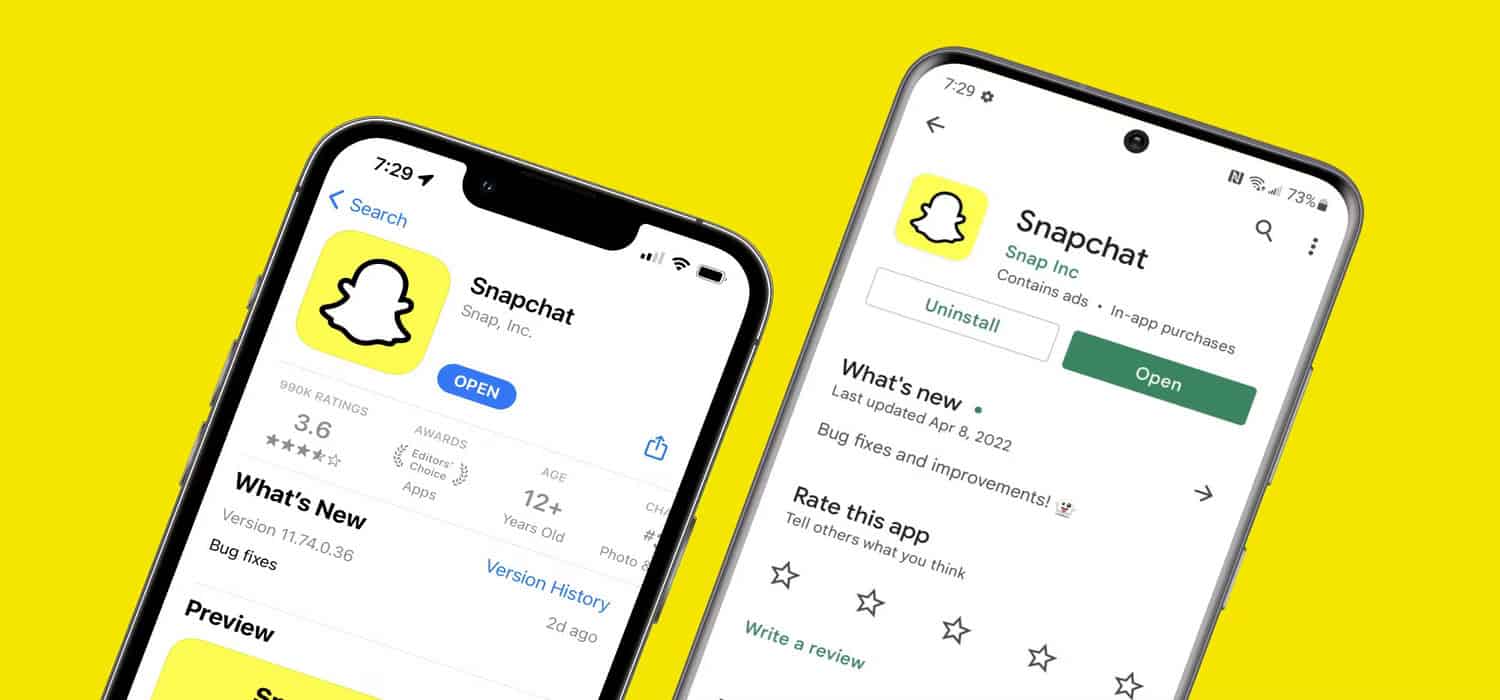 Head to your app store, check for updates and install the latest version. This often resolves many common problems and ensures access to all the latest features.
Checking Account Settings
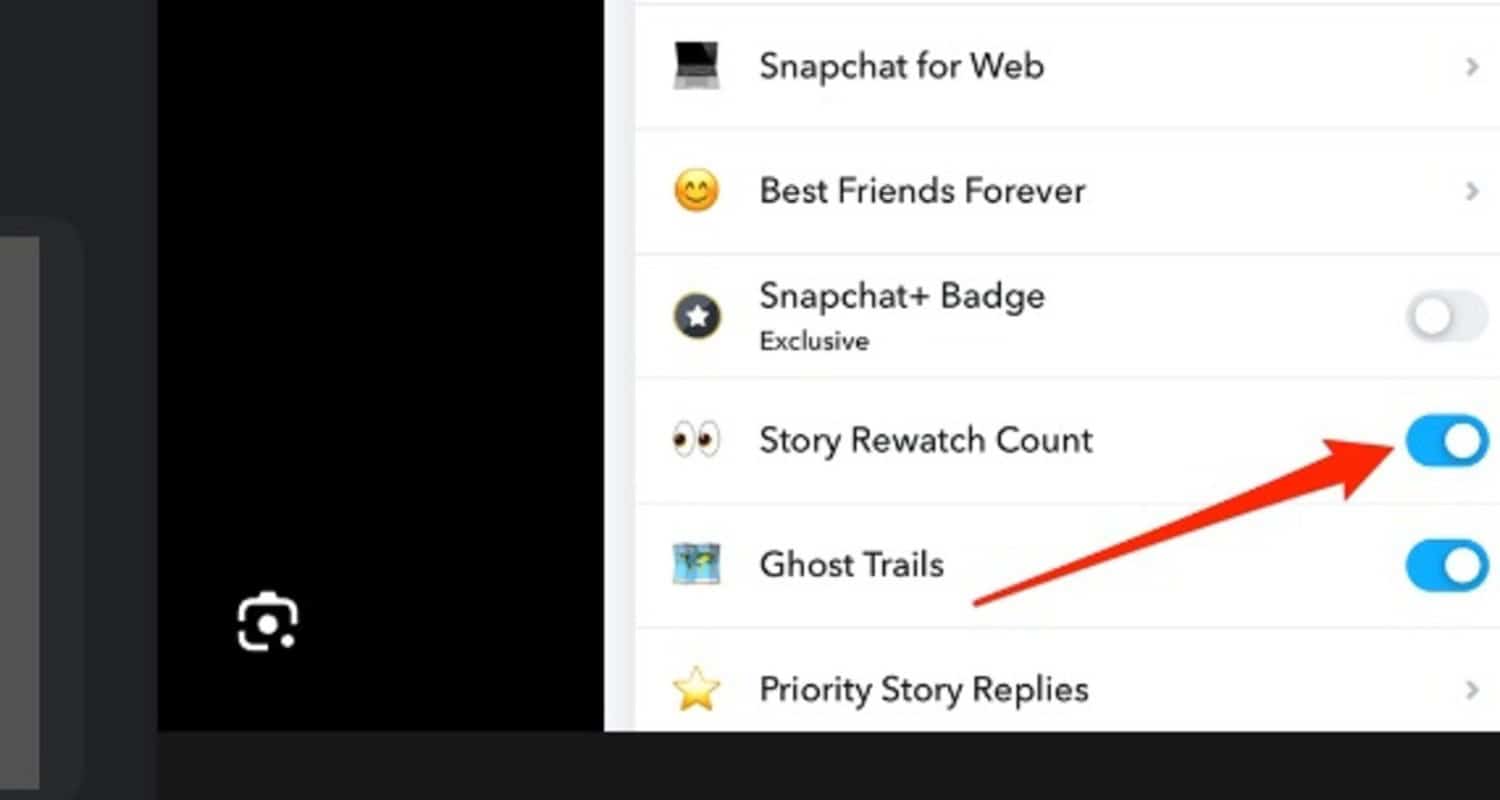
Are you still facing issues? Dive into your account settings.Ensure your Snapchat Plus subscription is active and you haven’t accidentally turned off the Rewatch Indicator.
- Navigate to your profile, tap on the Snapchat Plus membership card
- Toggle the ‘Story Rewatch Count’ to ensure it’s on.
Contact Snapchat Support for further assistance if everything looks good but the problem persists.
FAQs
Can you see who rewatched your Snapchat story?
Yes, you can see who rewatched your Snapchat story if you're a Snapchat Plus subscriber. Standard users cannot access the rewatch count or the list of users who rewatched their stories .
What is the Rewatch Indicator on Snapchat Plus?
The Rewatch Indicator on Snapchat Plus shows who rewatched your story. The number next to the eye emoji indicates how many friends have rewatched your story, counting only one rewatch per person .
How to see who rewatched your Snapchat story?
To see who rewatched your Snapchat story, you must be a Snapchat Plus subscriber. Open your story, swipe up to reveal insights, and look for the eye emoji. The number next to it shows how many different friends rewatched your story .
How does the Snapchat Plus rewatch indicator work?
The Snapchat Plus rewatch indicator provides users with insights into how their stories are being perceived. It shows the total number of friends that have rewatched your story, not the total rewatch count of the story itself .
What features do Snapchat Plus subscribers enjoy?
Snapchat Plus subscribers enjoy exclusive features like the rewatch indicator, best friends forever, custom icons, Snapchat+ badge, priority story replies, and more. These features enhance the Snapchat experience and provide deeper engagement insights .
Conclusion:
In conclusion, Snapchat Plus is a valuable tool for those who want to gain insights into their Snapchat stories. By providing features like the eye emoji that track story engagement, Snapchat Plus has made it easier for users to understand their audience. So, if you’re a Snapchat Plus subscriber, make the most of this feature, and keep sharing your experiences and tips to help the Snapchat community thrive!
See Also: How To Save Chats In Snapchat? Easy Step-By-Step Guide

Introducing TechiePlus’s all-in-one Editor, Olivia, based in London. From headphones to music streaming, she’s got you covered.